
01
Download
Download CentProof for Mac.
Install the signed and notarized macOS app, import your own bank and credit-card PDFs, and see how local-first finance feels.
Download for macOS
- macOS 13 Ventura or later
- Apple Silicon — M1, M2, M3, or M4
- Intel Macs and Windows are not supported in this release
v0.2.2 · June 2026 · Apple Developer ID signed · notarized
Install
A normal Mac install.
CentProof is distributed as a macOS .dmg from centproof.com.
02
Open the DMG
03
Drag CentProof to Applications
04
Launch CentProof
05
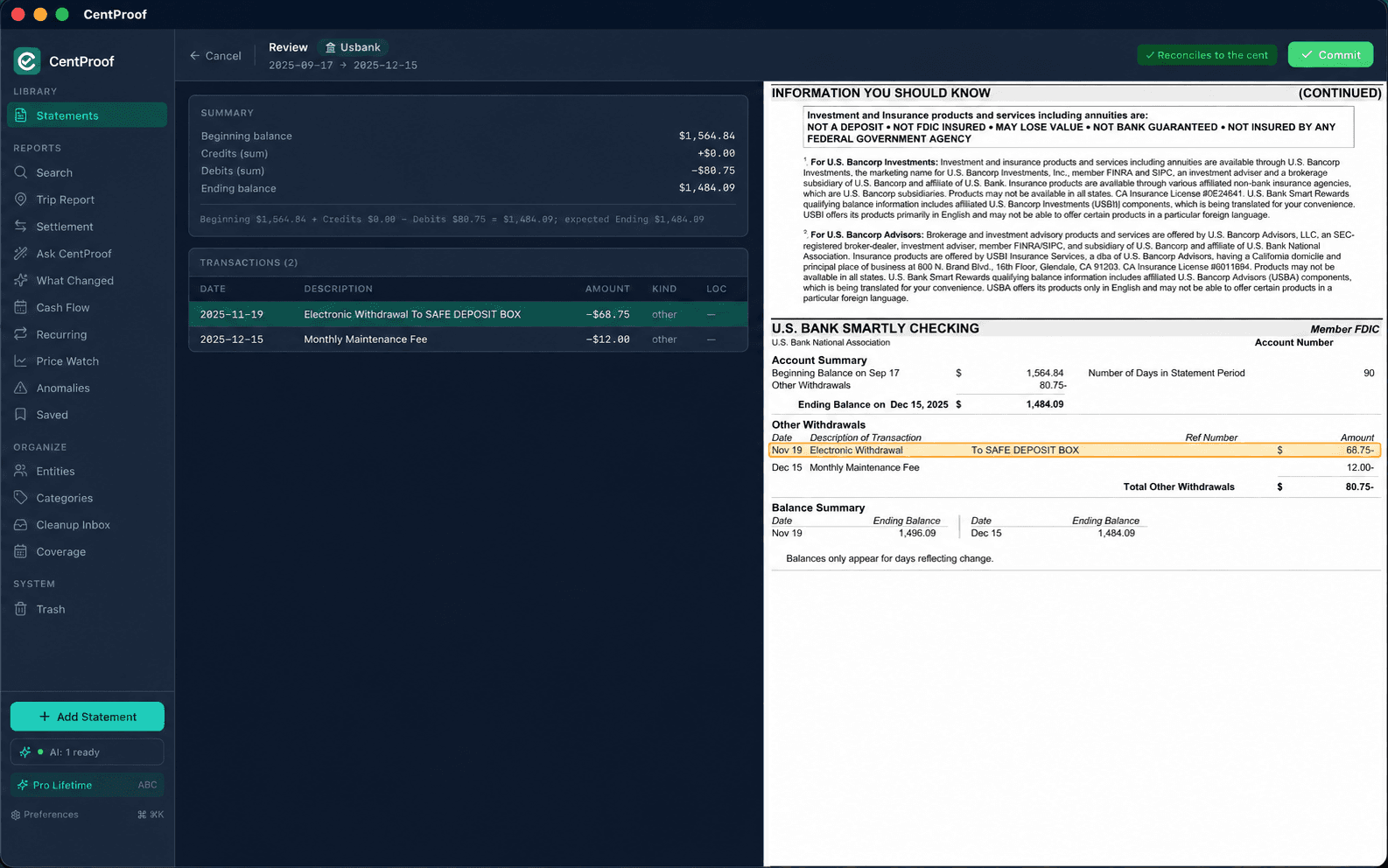
Import your first statement
Security
Built for macOS trust checks.
Direct download still means a professional Mac distribution flow.
Signed with Apple Developer ID
Notarized by Apple
Runs locally
No bank password required
Verify the download yourself
Every release publishes a SHA-256 of the .dmg on its GitHub release page. The Security page walks through three short commands to confirm the SHA-256, the Apple Developer ID signature, and Apple notarization — works offline.